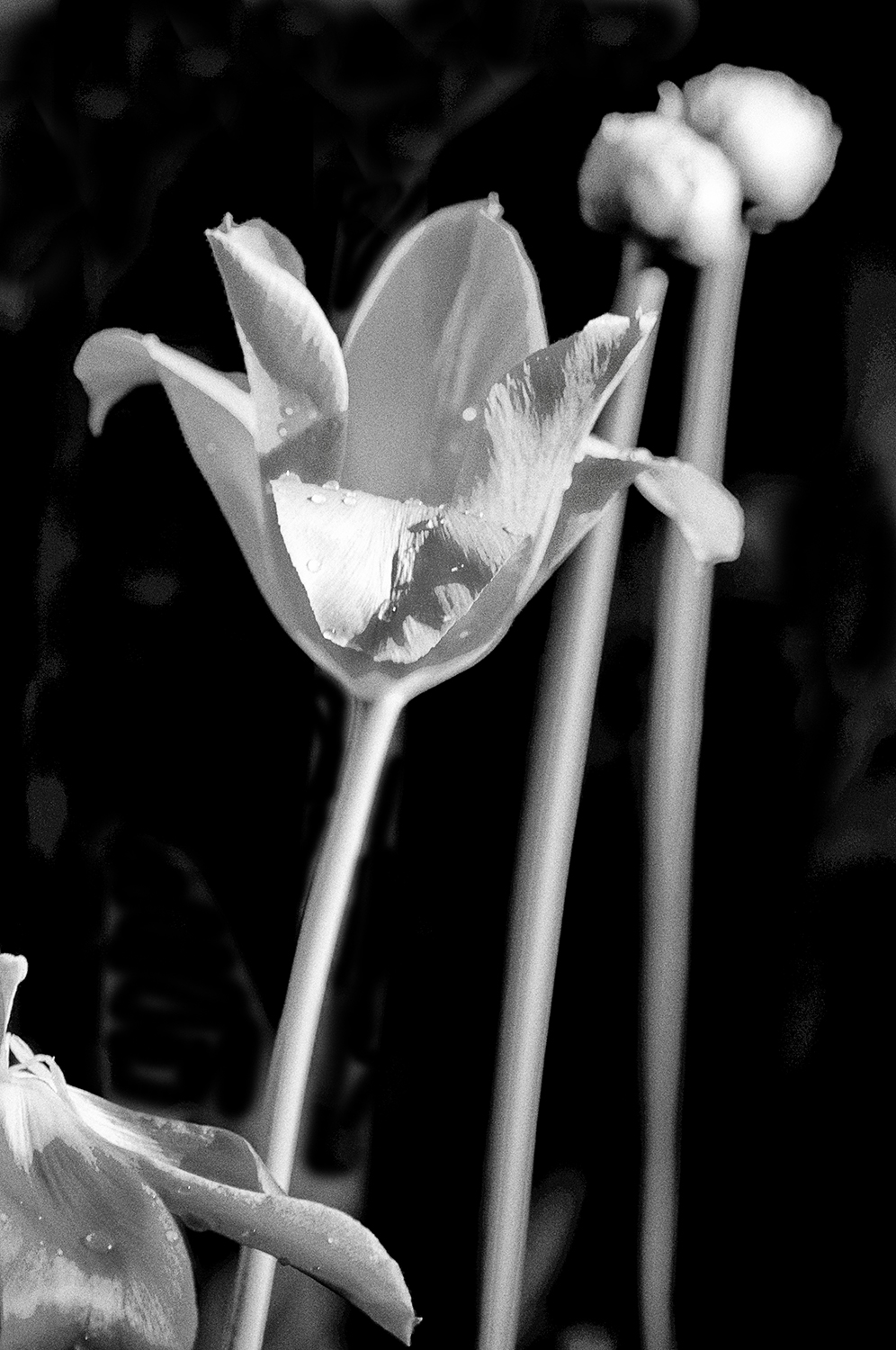
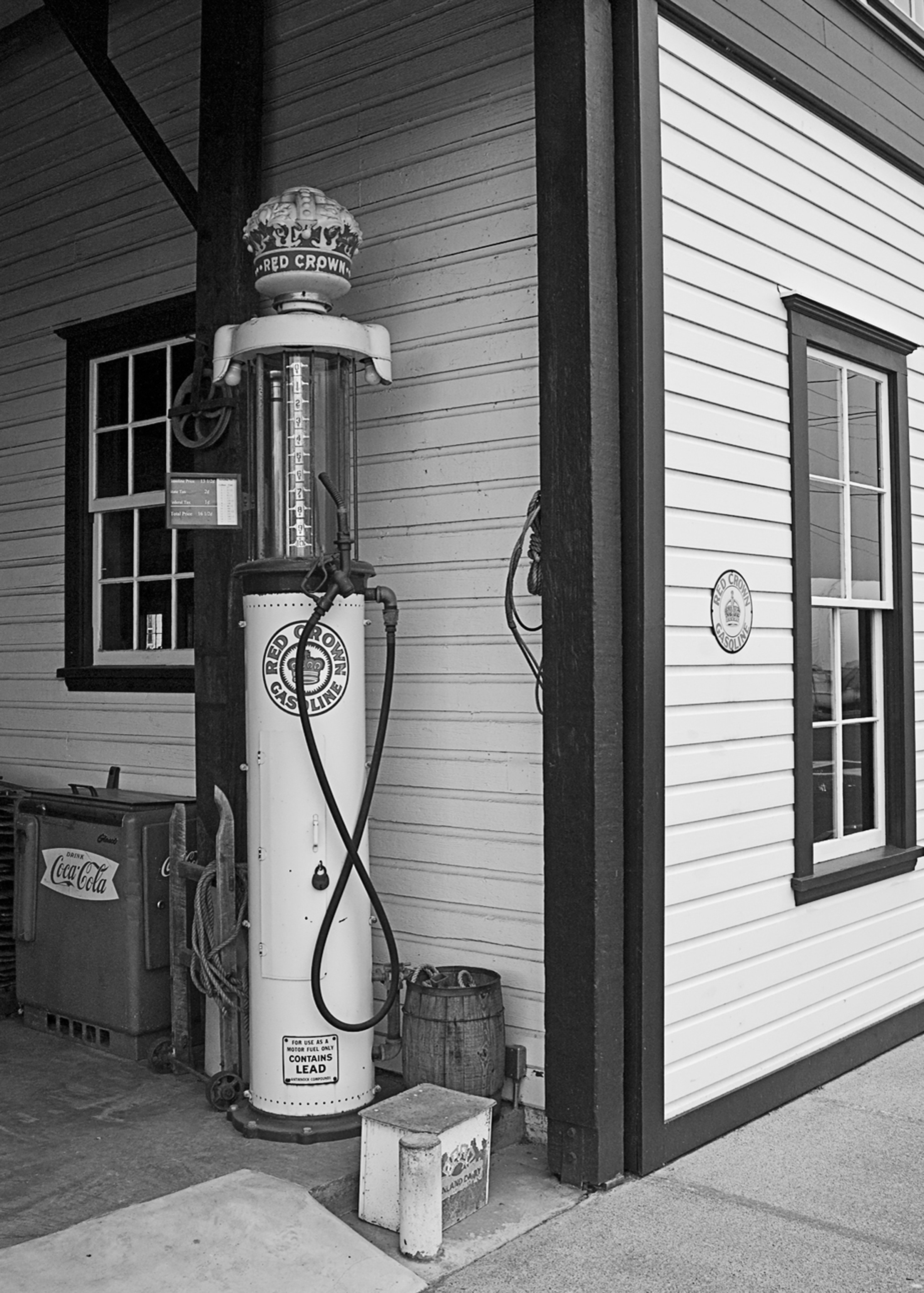
Printmaking – 10 Tips to Make Better Prints

Last week a previous PhotoShop student of mine stopped by my store to discuss printmaking. We talked about a lot about techniques, papers, and one of my favourite topics, how to make black and white prints.  Consequently, for this week I decided to pass along a summary of that discussion in the form of 10 tips for readers that should help them to make better prints.

1. I’ll begin with the most important tip for getting a good digital print, which is a good quality image. You will need a good original image in order to get top quality digital photography printing. It’s like the old saying, “garbage in, garbage out.”

2.  Learn to white balance your camera. Proper camera white balance means the camera’s sensor reproduces the “colour temperature” of a light source, or the relative warmth, or coolness of white light. Setting the camera’s white balance corrects all the colours in your pictures, taking into account the light in which they were shot.

3.  If you are using a DSLR (digital single lens reflex) camera be sure to clean the sensor regularly. Even if you never remove the lens, dust will get in and show up on your prints.  Some cameras have self-cleaning, but that doesn’t remove all the dust from the camera, it only shakes it off the sensor and it will eventually find it’s way back, so to make sure I regularly clean my sensor with a clean blower.

4.  Calibrate the computer monitor. Do this about every two weeks with a new monitor, and then every month or so after it is a year old.  Adobe Photoshop provides the Adobe Gamma Wizard or use a more a specialized product by Color Vision, Monaco, Digital Light, or other manufacturers.

5.  Choose a colour space for the camera’s image files.  The two most common with digital images are sRGB and Adobe RGB 1998.   Check the camera’s menu for that initial selection.  If you are making enhancements to your images in PhotoShop you will do better with Adobe RGB 1998; it covers a wider colour gamut.  Wider range of colours mean more precise colour adjustments. These are subtle.

6.  Improve contrast.  Photographs from digital cameras are sometimes pretty flat and lack the contrasts that were once provided by films like Velvia and Ektachrome VC.  If shooting JPGs learn how to use levels and curves. With RAW it’s easy using the sliders in Adobe’s RAW converter.

7.  Resize your image.  Choose a resolution from 250 to 300.

8.  Sharpen.  All digital images whether scanned, or direct from the digital camera, require sharpening for a satisfactory print. I leave my camera at normal and do the real work in PhotoShop. Sharpening isn’t all that hard, there are many ways. Just spend some time searching the Internet and choose a method that isn’t complicated. I like sharpening to fit easily into my printmaking workflow.

9.  Choose the right paper.  Just like traditional photography, the paper you choose to print with will make a big difference. In Photoshop select print with preview and choose your surface – matt or glossy.  Be sure to go on-line and download the correct profile into PhotoShop for the paper you are using.

10.  Set your printer’s driver.  To maintain the colour accuracy of your image, it is essential to set your printer driver correctly. When you are ready to print, select the print preview option in your file menu.  There are several steps – you should learn them by reading your instruction manual for your printer.   It is important to let your printer know the amount of ink for the type of paper and surface.

And lastly, after printing save those images on archival CDs, DVDs or on external hard-drives. Don’t make the mistake of leaving all those image files on your computer, that’s the best way to loose everything.  Cheap bargain discs will degrade with time. Don’t store them in the sun and don’t write on them.

I really appreciate your comments.

And my website can be found at www.enmanscamera.com
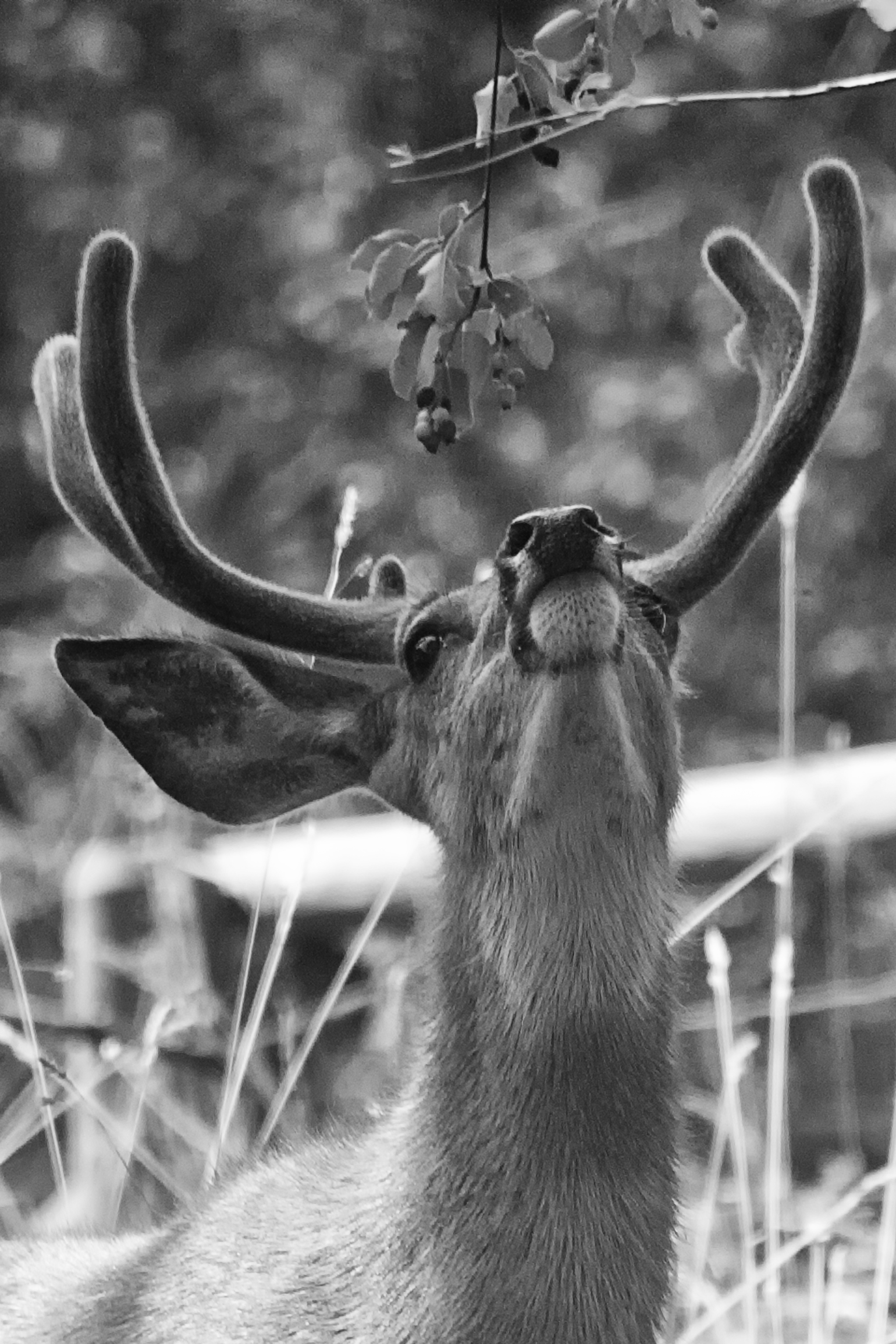
Camera Manual and the Basics of Photography.

I was photographing an outdoor event on a hot, bright day a short time ago when another photographer walked up to me complaining that most shots were not turning out as hoped. This happened again at a wedding I was photographing last weekend. The guest had a perfectly good camera, but criticized it, and said he wished he had a better one because the backlighted couple we were photographing were being recorded as silhouettes.

Ending up with faulty photographs from time to time isn’t unusual, although not as much nowadays as when film was used. However, I think most faults occur because photographers haven’t taken the time to learn how their cameras work, and have a poor basic understanding of photography and techniques.

With digital technology it’s easy to determine what is going wrong by checking the camera’s LCD and the histogram. I doubt that either of those complaining photographers I talked to used the LCD for anything but reviewing pictures. They probably hadn’t gone through the camera’s menu and set it for the conditions under which they would shoot. Both had selected the auto, or program mode, and to add light to the bright, backlit environment were only using the camera’s tiny pop-up flash. They would have been much more successful if they had a mounted a hotshoe flash on their cameras and selected the “M” mode. I expect they will be relying on their images being saved by technicians at the local photo lab or hoping for some friend with PhotoShop wizardry.

I continually meet photographers that complain about how various big photo labs are failing to make their prints the way they think they should be. They rely on their camera’s preset programs, and I expect are of the belief that if the camera they have been using doesn’t make good pictures then they should change and upgrade to the manufacturer’s latest offering to make it so.

When I arrive at a location to photograph I immediately start making tests. I keep my camera in the manual exposure mode so I can quickly change the ISO, shutter, or the aperture to suit my shooting.  I continue to do that throughout the entire session, checking the histogram frequently, and leaving nothing to chance by lazily relying on the camera’s pre-programmed modes.

I begin by contemplating about the subject and its environment.  What is the background and how will that affect the subject? What is in the foreground that will interfere with that subject?   If one considers depth of field a decision must be made about how much will be “in focus”.  Sometimes in a portrait that includes a landscape, I’ll want everything from the foreground to the far-off distance to be crystal clear, and at other times I’ll want the background to be “out of focus”; whichever I select requires its own aperture setting.

What is the lighting like and will its direction be flattering on the subject? The sun and its direction are always very important when photographing people. I prefer to have it coming from behind my subject and like to use a flash for “fill” lighting to remove shadows and silhouettes.

I can do all this because I have taken the time to learn the basics of photography, and I have also taken the time to learn how my camera works. I don’t think either of those photographers that complained to me had done that. I expect they just got themselves ready for the event, grabbed their camera on the way out the door without reviewing their manual beforehand, recalled that the digital camera has a “P”, or auto mode, and believed the camera would make everything they photographed perfect.

Photographers using film used to say that it was all in the negative; that a properly exposed and developed negative gave the best possibilities of a fine quality print.  I still agree with that principle, only now it isn’t an image about to be developed on the negative, but an image about to be processed on the sensor.

I always appreciate comments, Thanks in advance.

Liking Black and White Photographs


My last article entitled, “Wandering City Streets with my Camera” included both colour and black and white images and elicited the following remark from reader, Timothy Schultz, who said, “I don’t usually like black and white photos, but they were used very effectively here.”

Black and white photography has always been a favorite of mine, and I am pleased that some readers agree that sometimes the use of black and white is effective.

During my years of involvement with photography I have seen changes in the kind of photography people are doing. When I first started making pictures as a child it was all about economics – B&W prints were cheaper than colour prints.  After that one-hour photo labs appeared in shopping center parking lots, department stores, and finally in malls, and colour prints became inexpensive and the mainstay for photographers.

I have always liked black and white and much of the time prefer the mood it evokes.  Since the introduction of digital image making and programs like PhotoShop and NIK software’s Silver Efex the need to carry a dedicated camera and to commit space for a custom-built lab has disappeared.  Now all that is necessary is learning how to effectively use the correct program.

Colour is reality, and black and white seems a bit “arty”, or as I wrote, “mood evoking”.  I have never produced an album of wedding photographs without including some black and white prints and when I ask the couple if they are OK with that, I always hear, “Oh, we love black and white. Yes, please”.

People comment that a black and white portrait speaks about a person’s personality.  I am not sure about that, but I do like, and sometimes prefer, black and white, depending on whether the subject is a person, an animal, or a building, and what I am trying to illustrate with the photograph.  And, I “previsualize” how those colours are going to work as shades of gray while I am composing the photograph.

I’ll mention here that famous photographer Ansel Adams introduced the idea of, and the word, previsualization. It is a term he used to describe the importance of imagining, in one’s mind’s eye, what the final print reveals about a subject.

We see everything in colour, and in the modern world of digital photographic technology that’s what is captured.  Then, we visualize and translate those images into black and white images using post-production technology.  I really do like B&W pictures and sometimes miss those singular times in my darkened room, where I would produce my B&W photos by hand in open trays of chemicals.  However, technology has changed and there are many options that now allow photographers to produce higher quality B&Ws.

I read an on-line discussion entitled, “Why Black and White Photography” by Robert Bruce Duncan. In it he wrote, “black and white has an inherent dignity”.  His opinion is thought provoking.  Perhaps we do see and interpret more in a B&W photograph. Duncan goes on to say that he thinks few colour landscape photographers have matched the black and white work of photography greats like Ansel Adams, Edward Weston, Paul Strand, Margaret Bourke-White, and Imogene Cunningham, for example. And on portraiture he says, “it’s more than arguable that black and white is at it’s best for people photography…From early portraits by Julia Margaret Cameron, and later, Steiglitz and Steichen….(and) the photographers who documented America during the depression, to a whole slew of great Hollywood glamour photographers…and all the masters that made Life magazine perhaps the best periodical of its era.”

I am intrigued with Duncan’s words, I could mention some famous colour landscape photographers, but I’ll leave them to readers to search out. I believe both colour and B&W has its place.  As I wrote, sometimes I prefer black and white depending on the person, animal, or building, and what I am trying to say with the photograph. I pick and choose what image I think will work best in black and white and that depends upon the subject, the circumstance, the light, and, of course, the colour.

My website is at www.enmanscamera.com

On the Subject of Film

When the subject of film comes up my first impulse is to flippantly say something like, “Oh, film was nice, but no serious photographer would use film.”  Well, that’s not right. And should any of us be putting a definition on what a “serious photographer” is?

In my opinion, film, and those photographers that use it have positioned themselves in a new place among image-makers. These days most photojournalists and commercial photographers employ digital technology, but I think those that are interested in pushing this medium into a creative place are increasingly becoming aware of the unique characteristics of film.

A film purist can easily set up a home lab with an enlarger and complete chemical process, but there are also those that have embraced both digital and film and the results of the technological cross breeding can be exciting. Film has, in my opinion, a tactile quality that is different than digital capture.

Let’s not get into the boring discussion of film vs digital. That’s become wearisome. Film is different than digital. I think it depends on how one wants to show a subject to viewers. And as I wrote, I think the technological cross breeding of film and digital is exciting and rewarding.

The dialogue now may be about computers, monitors, and software. With film we wanted the best enlargers, and enlarger light sources. What lens was mounted on the enlarger was as important as the lens on our cameras. I had a cabinet filled with many different kinds of enlarging papers from around the world, and another stacked with a wide assortment of developing chemicals for both film processing and printing. All this is still available if one is willing to take the time searching out suppliers.

Serious digital photographers are faced with expensive computers and Photoshop’s steep learning curve. Those serious practitioners of film photography will still be dealing with lots of learning. However, quality film cameras, and quality film processing equipment is cheap and the required processing and printing equipment can easily be found languishing at garage sales. I think one needs to search out the best film equipment in the same way as the best digital hardware.

I don’t use, or even think about, film much, but in the last two weeks I have had several conversations with different young photographers that are making images with film cameras and starting to accumulate the equipment to process film and print pictures.  I will admit I enjoy talking about all that. I liked film cameras and same as with today’s photographers, I thought about and researched those cameras in my quest for what would fit my needs the best.

On the subject of using film photography and digital photography, this week has also found me reproducing a client’s very old photographs. (some easily over 100 years old) I photographed each image, loaded them into my computer, then using PhotoShop corrected the fading and discoloration, added contrast, retouched cracks, and finally sharpened and saved them on a CD.  Most photographs were over 40 years old will start to fade soon, if they haven’t already. And those boxes of family history may be lost as people move them to damp basements or garages when additional space is needed.

Making a quality digital image from the negatives or slides of those wonderful old family photographs and saving it on a space saving CD is ideal.  As I mentioned these two mediums work just fine together and a matching print can be made it the future.

I welcome the chance to exchange thoughts with those photographers who are using film in this day of digital technology. Many see it as a “retro” kind of thing, but maybe it’s not that at all. Including film in the creative and artistic process of photography is just one more factor in the continuing evolution of this exciting medium.

My website is at www.enmanscamera.com